
Learning how to watch with KBS in K-Drama is useful for anyone who wants legal access to Korean dramas from one of South Korea’s major public broadcasters. Korean Broadcasting System produces and airs many K-dramas across romance, family, historical, youth, comedy, and daily drama genres. For fans, knowing where and how to watch dramas means fewer broken links, better subtitles, cleaner video quality, and a safer viewing experience. For bloggers, reviewers, students, and industry professionals, it also helps with tracking broadcast schedules, release windows, official clips, and international availability. KBS content can be found through official KBS World pages, KBS World TV programming, YouTube clips, and licensed streaming platforms depending on your country. Since drama availability changes by region, the best approach is to start with official KBS sources, then check approved platforms such as Viki, KOCOWA+, or OnDemandKorea.
Materials or Tools Needed
To watch KBS K-dramas smoothly, you need a stable internet connection, a smartphone, tablet, laptop, smart TV, or streaming device, and access to licensed streaming platforms. You may also need a free or paid account, depending on the platform and your region. For international viewers, subtitle support is important, so check whether English or your preferred language is available before starting a drama. A VPN is not recommended for bypassing licensing rules, since streaming rights vary by country. Keep a watchlist app or notes file handy so you can track drama titles, episodes, schedules, and where each series is available.
Step-by-Step Instructions
Step 1: Start with the official KBS World website

Begin by visiting the KBS World website and checking its latest episodes, program list, and schedule pages. KBS World is designed for international audiences and features Korean entertainment content, including drama series, variety shows, music programs, and special programming. The schedule page is especially useful because it shows what is airing and when, based on Seoul time. If you are outside Korea, convert the airtime to your local timezone before planning to watch. This step helps you confirm whether the drama is officially connected to KBS and whether full episodes, clips, or broadcast information are available.
Step 2: Search for the drama on licensed streaming platforms
After checking KBS World, search for the drama title on legal streaming services available in your region. Viki offers Korean dramas and other Asian content with subtitle support, while KOCOWA+ carries Korean TV programming from KBS, MBC, SBS, and other partners in supported regions. OnDemandKorea also provides Korean broadcaster content for North American audiences. Availability can differ by country, so one KBS drama may be on Viki in one region and KOCOWA+ or another licensed platform elsewhere. Always search using the official English title and, when possible, the Korean title too. This helps you avoid unofficial uploads and mislabeled videos.
Step 3: Choose the best viewing option and set up your watchlist
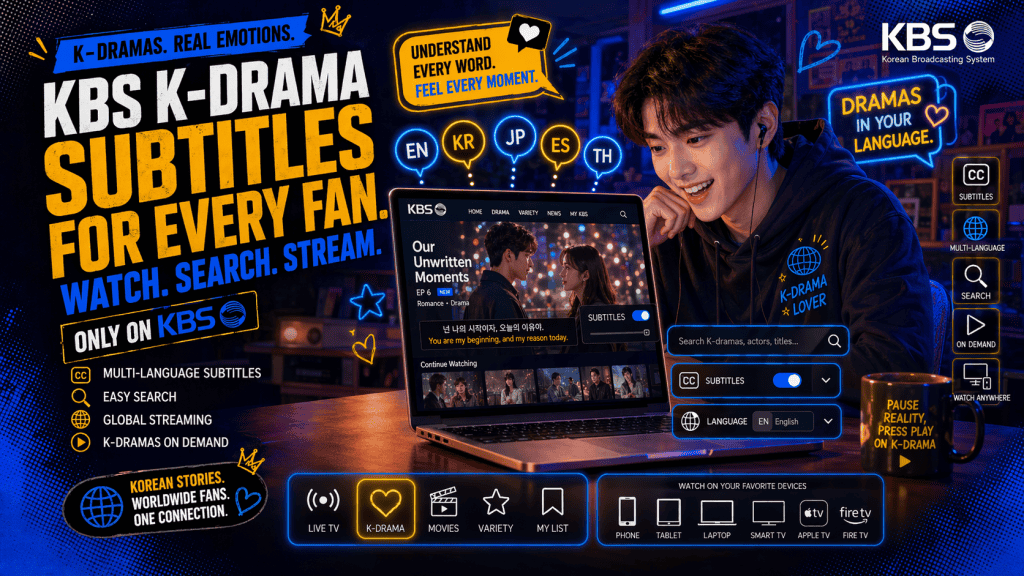
Once you find the drama, compare the available options. Check whether the platform offers full episodes, subtitle languages, free access, paid access, download options, casting to TV, and release timing. Some platforms may offer free viewing with ads, while others require a subscription or trial. If you are following an ongoing drama, add it to your watchlist and turn on notifications where available. For completed dramas, confirm that all episodes are listed before starting. Also check episode length and subtitle status so you are not surprised halfway through. Watching through official channels supports the creators, actors, translators, and distributors behind the show.
Tips and Warnings
| Tips for Success | Warnings and Common Mistakes |
|---|---|
| Start with official KBS World pages to confirm the drama title, schedule, and program details. | Do not rely on random upload sites. They may have poor subtitles, unsafe ads, or copyright issues. |
| Search both the English title and Korean title when using streaming platforms. | Do not assume every KBS drama is available worldwide. Licensing changes by country. |
| Check subtitle availability before you begin a series, especially for newly released episodes. | Avoid starting a drama on a platform that only has clips when you want full episodes. |
| Use the KBS World schedule if you want to follow broadcasts close to their original airing. | Do not forget the timezone difference. KBS World schedules are often listed in Seoul time. |
| Keep a simple watchlist with the drama title, platform, episode count, and release day. | Do not share your streaming account details or payment information with unofficial sites. |
Conclusion
Watching K-Drama is simple when you use official and licensed sources. Start by checking KBS World for schedules, programs, and recent episodes. Then search for the drama on trusted platforms such as Viki, KOCOWA+, or OnDemandKorea, depending on your location. Before watching, confirm that the platform has full episodes, subtitles, and legal access in your region. This approach gives you better video quality, more reliable subtitles, and a safer viewing experience. It also supports the people who create and distribute the dramas. With the right setup, you can follow current KBS releases or enjoy older favorites with less confusion.
FAQ
How can I watch KBS Kdramas from abroad?
To watch KBS Kdramas from abroad, use streaming services like KBS World, Kocowa, and Viki, which offer a variety of KBS shows. Additionally, using a VPN service can help bypass geo-restrictions and access content as if you were in Korea.
How do I find subtitles for KBS Kdramas?
Most KBS shows come with subtitles in various languages, including English, Spanish, and French. These subtitles are typically available on platforms like Viki and Kocowa. Select your preferred language in the settings menu of the streaming platform.
What devices can I use to stream KBS Kdramas?
You can stream KBS Kdramas on smartphones (iOS and Android), tablets, smart TVs, computers (PC or Mac), and streaming devices like Roku, Apple TV, Chromecast, and Amazon Fire Stick.
Resources
- KBS World. Latest Episodes.
- KBS World. TV Schedule.
- KBS World. Program List.
- Rakuten Viki. Korean Dramas and Shows.
- KOCOWA+. Stream and Watch Korean TV Shows Online.