
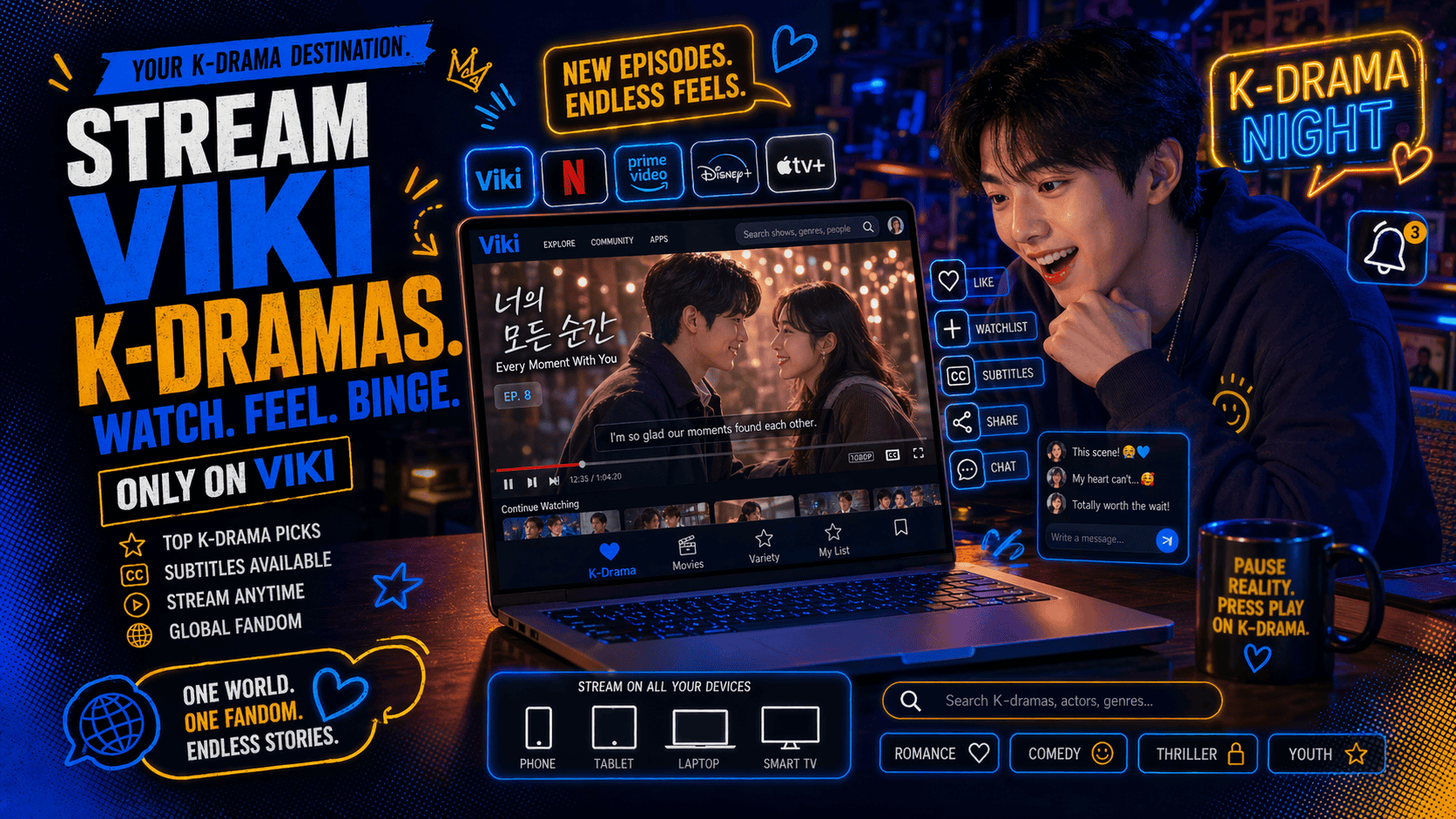
Watching K-dramas with Viki is one of the easiest ways to follow Korean series legally, with subtitles, community features, and access across different devices. Rakuten Viki streams Korean, Chinese, Japanese, and other Asian dramas and movies, including many titles with English subtitles. For K-drama fans, Viki is useful because it brings together licensed shows, subtitle options, watchlists, timed comments, and mobile or TV viewing in one place. For bloggers, reviewers, language learners, or entertainment professionals, it also makes it easier to track trending titles, compare translations, and follow audience reactions.
This guide explains how to watch K-dramas with Viki from start to finish. You’ll learn how to create an account, choose a show, adjust subtitles, stream on your preferred device, and avoid common mistakes that can interrupt your viewing experience.
Materials or Tools Needed
Before you start watching K-dramas on Viki, make sure you have the basic tools needed for a smooth viewing experience. These items will help you access shows, save your progress, and enjoy better streaming quality.
- Stable internet connection
- Supported device, such as a computer, smartphone, tablet, smart TV, or streaming device
- Access to the Viki website or app
- Web browser or Viki mobile/TV app, depending on your device and region
- Free Viki account to save shows to your Watchlist, continue episodes later, and follow series updates
- Optional Viki Pass subscription for ad-free viewing, HD or Full HD quality, and access to more premium titles
Step-by-Step Instructions
Step 1: Create or Sign In to Your Viki Account
Go to the official Viki website or open the Viki app on your phone, tablet, smart TV, or streaming device. Select Create Account or Log In. You can usually sign in with an email address or supported third-party login option. Creating an account is helpful because it lets Viki remember your watch history, continue episodes, and save shows you want to watch later. Once you’re signed in, check that your profile region and language settings are correct. This matters because some K-dramas may vary by location due to licensing rules. For a blog post, include a screenshot of the Viki homepage or login screen here.
Step 2: Search for a K-Drama to Watch

Use the search bar or browse the K-drama categories on Viki. You can look for a specific title, actor, genre, or theme, such as romance, historical drama, thriller, school drama, or fantasy. Open the show page and review the synopsis, episode list, subtitle availability, rating, and access label. Some titles may be free, while others may require Viki Pass or rental access. Viki’s own support center includes guidance on browsing and searching for shows, plus features such as Watchlist and Continue Watching. Add interesting titles to your Watchlist so you can compare options before starting.
Step 3: Play the Episode and Adjust Your Viewing Settings
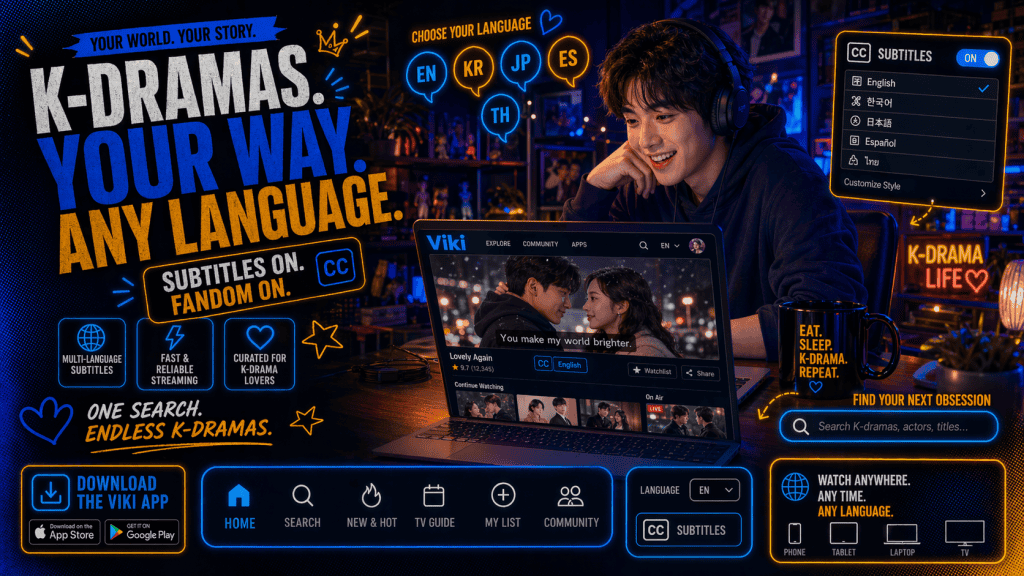
Choose the episode you want to watch and press play. Before settling in, check your subtitle settings. Viki allows users to turn subtitles on or off, choose subtitle language, and adjust subtitle appearance depending on the device. This is especially useful for K-drama fans who want English subtitles, bilingual subtitles, or a more readable subtitle style. You can also check video quality, autoplay, timed comments, and opening-credit skip options if available. If the video does not play smoothly, lower the video quality or switch to a stronger Wi-Fi connection. For longer dramas, use Continue Watching so you do not lose your place.
Tips and Warnings
| Tips for Success | Common Mistakes to Avoid |
|---|---|
| Use the Watchlist. Save dramas you want to watch later so you do not forget titles after browsing. | Assuming every drama is free. Some shows may require Viki Pass, rental access, or may not be available in your region. |
| Check subtitle status first. Make sure your preferred subtitle language is available before starting a series. | Ignoring regional restrictions. Licensing rules can affect which shows are available in different countries. |
| Use a supported device. For the best experience, check Viki’s device guides before watching on smart TVs or streaming sticks. | Using unsupported app versions. Older app versions may stop working properly or lose support. |
| Adjust subtitle appearance. Increase subtitle size or change styling if the text is hard to read. | Leaving timed comments on by accident. Timed comments can be fun, but they may distract first-time viewers. |
| Consider Viki Pass only when needed. Upgrade if you want fewer interruptions, better video quality, or access to premium shows. | Streaming on weak Wi-Fi. Poor internet can cause buffering, low quality, or playback errors. |
Conclusion
Watching K-dramas with Viki is simple once you know the basic steps. Start by creating or signing in to your account, then browse or search for the K-drama you want to watch. Check access details, subtitle availability, and device compatibility before you begin. After pressing play, adjust subtitles, video quality, autoplay, and comment settings to match your viewing style. Whether you are a casual fan, a language learner, or someone following the K-drama industry, Viki gives you a convenient way to enjoy Korean dramas with helpful viewing tools. Try building a Watchlist first, then start with one episode.
FAQ
How can I watch Viki Kdramas from abroad?
You can watch Viki Kdramas online through the Viki website or its app, which are accessible in many countries. Using a VPN service can help bypass geo-restrictions, allowing you to enjoy Viki content as if you were in Korea.
How do I find subtitles for Viki Kdramas?
Viki offers subtitles in multiple languages, created by a community of volunteers. To use subtitles, select your preferred language in the subtitle settings of the Viki player.
What devices can I use to stream Viki Kdramas?
You can stream Viki Kdramas on smartphones, tablets (iOS and Android), smart TVs, computers (PC or Mac), and streaming devices like Roku, Apple TV, Chromecast, and Amazon Fire Stick.
Resources
- Rakuten Viki. Viki Pass Subscription
- Rakuten Viki. Watch K-Dramas, Korean Shows & Chinese Dramas
- Viki Support Help Center. Watching Viki
- Viki Support Help Center. How Do I Change My Subtitle Settings?
- Viki Support Help Center. Viewing Features