
Quick Answer
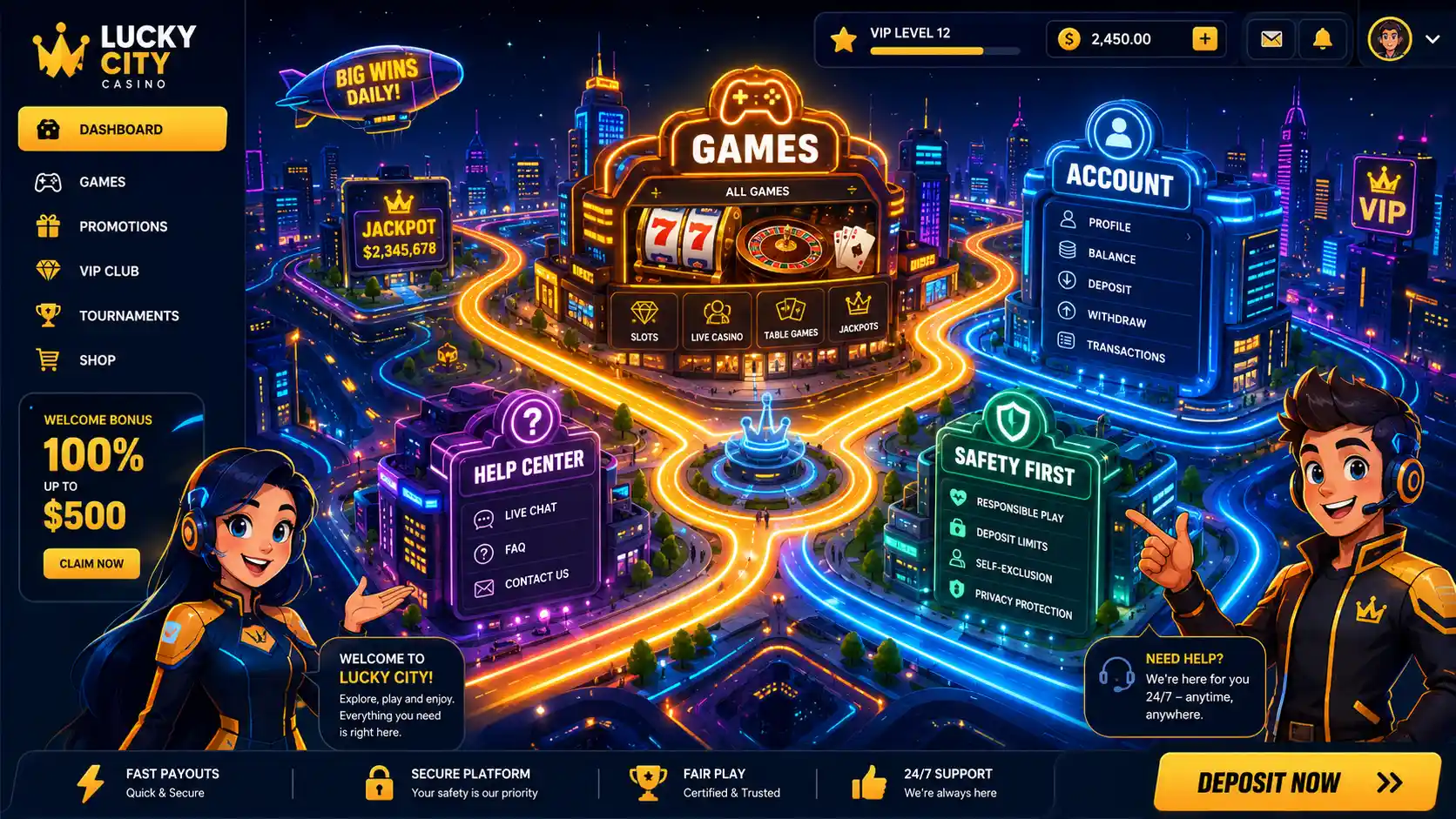
A casino site interface is the visible system of menus, buttons, pages, forms, and controls that people use to navigate an online casino website. Its purpose is to organize information clearly, support account-related tasks, and make legal, security, and responsible-use information easy to find.
Key Takeaways
- The interface includes navigation, search, game categories, account controls, forms, notices, and support links.
- Clear labels and consistent layouts reduce confusion.
- Responsive design allows the interface to work across phones, tablets, and desktop computers.
- Accessibility, security, and transparent information are essential parts of the design.
- The interface is not the same as the underlying software that processes data or transactions.
Definition of Casino Site Interface

A casino site interface is the user-facing layer of a casino website through which visitors view content, move between pages, and interact with available controls.
It includes both visual elements and functional behavior. Visual elements include typography, colors, icons, menus, buttons, images, and page layouts. Functional behavior covers what happens when a person selects a menu, enters information, applies a filter, or receives a warning or confirmation message.
The interface also determines how information is grouped and prioritized. For example, primary navigation usually presents the most important sections, while secondary menus contain account settings, policies, or support information. A clear hierarchy helps visitors understand which actions are available and where related information can be found.
A casino site interface should not be confused with the complete technical platform. Databases, servers, security systems, and transaction-processing tools operate behind the visible pages. The interface gives users access to selected functions without exposing those internal systems directly.
For a broader explanation of the website category itself, see the casino site definition.
What It Means and How It Works
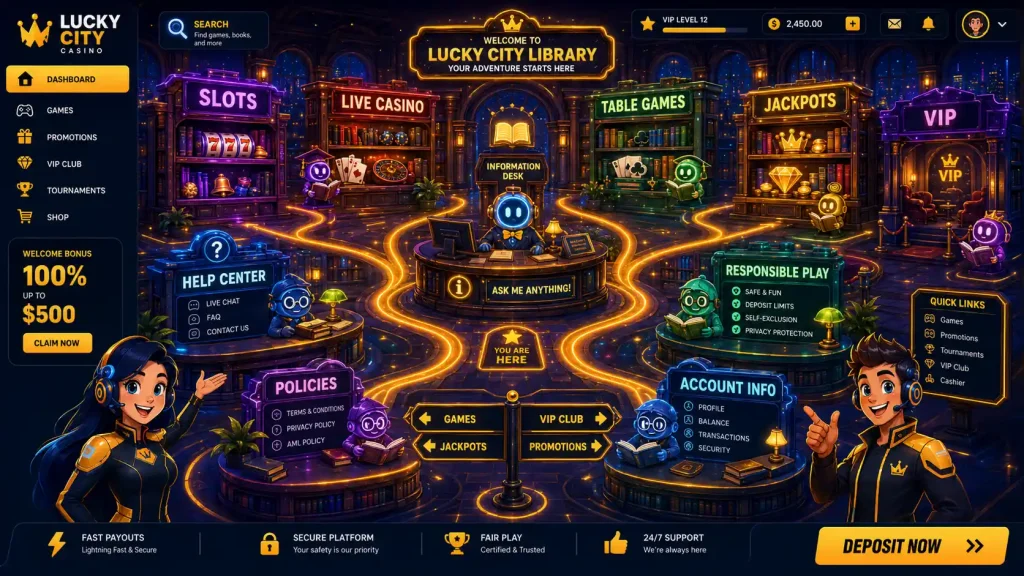
The interface connects users with the functions provided by the website. It presents those functions through visible elements such as:
- Main navigation menus
- Search tools and category filters
- Game information pages
- Registration and account forms
- Payment-related menus
- Help and support sections
- Responsible-use controls
- Legal notices and policy links
When a user selects a button or completes a form, the interface sends that input to the website’s underlying computer systems. Those systems process the request and return a result, such as opening a page, displaying account information, or showing an error message.
This exchange usually happens in several stages. First, the interface records the user’s action. Next, the website checks whether the request is valid. The system then retrieves or processes the relevant information before returning a response to the screen. The interface presents that response through updated content, confirmation notices, loading indicators, or error messages.
A well-organized interface uses consistent patterns. Buttons should perform predictable actions, labels should describe their purpose, and important information should not be hidden behind unnecessary menus. Similar controls should also look and behave in the same way throughout the website.
The layout should respond to different screen sizes. On a mobile device, navigation may appear inside a compact menu. On a desktop screen, the same options may remain visible across the top or side of the page. Responsive behavior should preserve readability, touch accuracy, and access to essential controls.
The interface may also use intelligence-based systems to organize content or support search functions. However, automated features should remain understandable and should not prevent users from accessing standard navigation or important information.
Why Casino Site Interface Matters
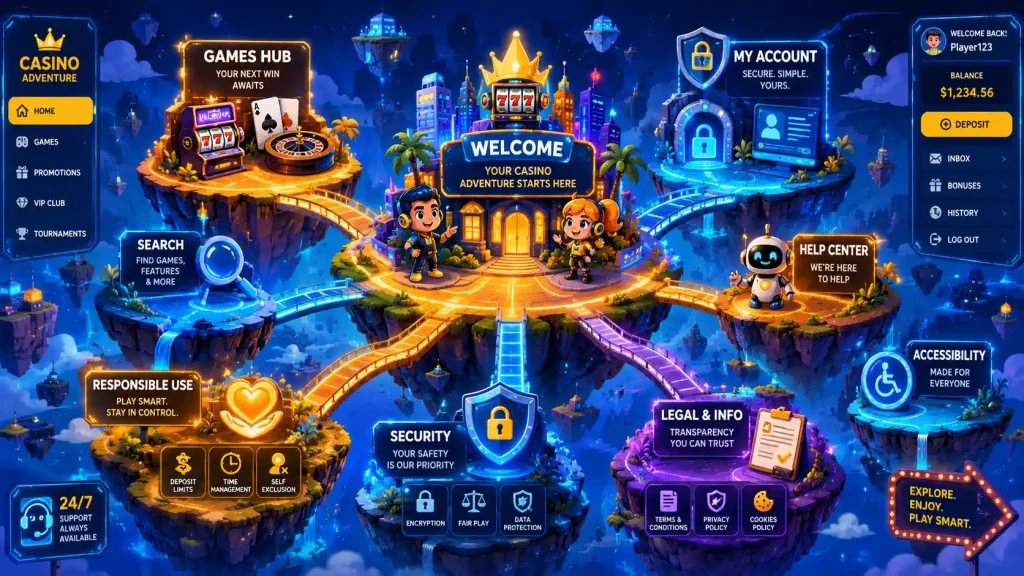
A clear interface helps users understand where they are, what actions are available, and what information applies to them. Poorly arranged pages can make important terms, safety controls, or support options difficult to locate.
Good interface design also reduces preventable errors. Clear form labels, visible instructions, and specific validation messages help users correct mistakes without repeating an entire process. Consistent navigation lowers the risk of selecting the wrong option or missing essential information.
Accessibility matters because users may interact with the website in different ways. Readable text, strong contrast, keyboard support, descriptive labels, and clear error messages help more people use the website effectively. These features can also improve general usability for people using small screens, slower connections, or assistive technology.
Security-related design is equally important. The interface should clearly identify sensitive forms, explain required information, and provide understandable feedback when an action fails. It should also avoid misleading buttons, unclear consent requests, or visual patterns that pressure users into unintended decisions.
Transparent design supports informed understanding. Legal conditions, eligibility rules, privacy information, and responsible-use controls should appear in relevant locations rather than being difficult to find. This allows visitors to review important details before taking an action.
Automated tools and Gen AI may assist with prototypes, wording, or usability tests. However, human review remains necessary to confirm accuracy, fairness, accessibility, and compliance. A technically functional interface can still create confusion if its language, structure, or visual hierarchy is unclear.
Quick Reference Table
| Interface element | Main purpose |
|---|---|
| Navigation menu | Organizes major pages and website sections |
| Search and filters | Helps users locate specific content |
| Account controls | Provides access to profile and account settings |
| Forms | Collects information or user instructions |
| Notifications | Confirms actions, warnings, or errors |
| Support links | Connects users with help information |
| Responsible-use controls | Provides access to limits and safety options |
| Legal notices | Explains rules, terms, privacy, and eligibility |
Common Mistakes and Misconceptions
The interface is only the visual design
The interface includes visual styling, but it also covers navigation logic, form behavior, error handling, accessibility, and interaction patterns.
More features create a better interface
Additional animations, banners, or complex tools do not automatically improve usability. Every element should support a clear user task.
Mobile design is a smaller desktop layout
Mobile interfaces require different spacing, navigation patterns, and touch controls. Simply reducing the size of a desktop page can make content difficult to use.
Automated design requires no human review
AI-generated layouts or text may contain unclear, inaccurate, or unsuitable elements. Designers must review all automated output before publication.
Important terms can remain in the footer
Legal conditions, payment information, and responsible-use controls should appear near the actions they affect, not only in a general footer section.
Examples
A user may interact with a casino site interface by opening a category menu, applying a search filter, reading account information, locating support, or reviewing a responsible-use notice.
The Woori Casino page can be viewed as a reference when examining how a casino website presents its user-facing interface. This link is provided for interface analysis and identification only.
FAQ
What is the main purpose of a casino site interface?
Its main purpose is to help users find information and interact with website functions through clear, consistent controls.
Is a casino site interface the same as the website’s software?
No. The interface is the visible layer used by visitors. The underlying software processes data, manages requests, and supports website operations.
What makes an interface accessible?
Common accessibility features include readable text, sufficient color contrast, keyboard navigation, descriptive labels, clear headings, and understandable error messages.
Resources
- W3C. WCAG 2 Overview.
- web.dev. Responsive Web Design Basics.
- OWASP. Web Security Testing Guide.
- MDN Web Docs. HTML: A Good Basis for Accessibility.
- MDN Web Docs. Forms and Buttons in HTML.